The Follow Up Boss Pixel provides a seamless integration with your website. The Pixel can display your Follow Up Boss number, add new inquiries, as well as track saved and viewed properties for easy viewing on the lead profile.
With the Pixel, you'll know exactly what people are looking for and just when to reach out. Here are some of the things you can do with the information captured by the Pixel:
- Get a real-time view of who's on your site, see all the pages your leads view, and create personalized emails/texts
- Drive more inbound leads with built-in Call To Action
- Retarget your database with emails that link to any of your sites and identify leads who respond even if they don’t register on the site
- Automatically tag marketing sources so you can see which ones are working
How to set it up
1. Go to Admin > Integrations and click on Follow Up Boss Pixel 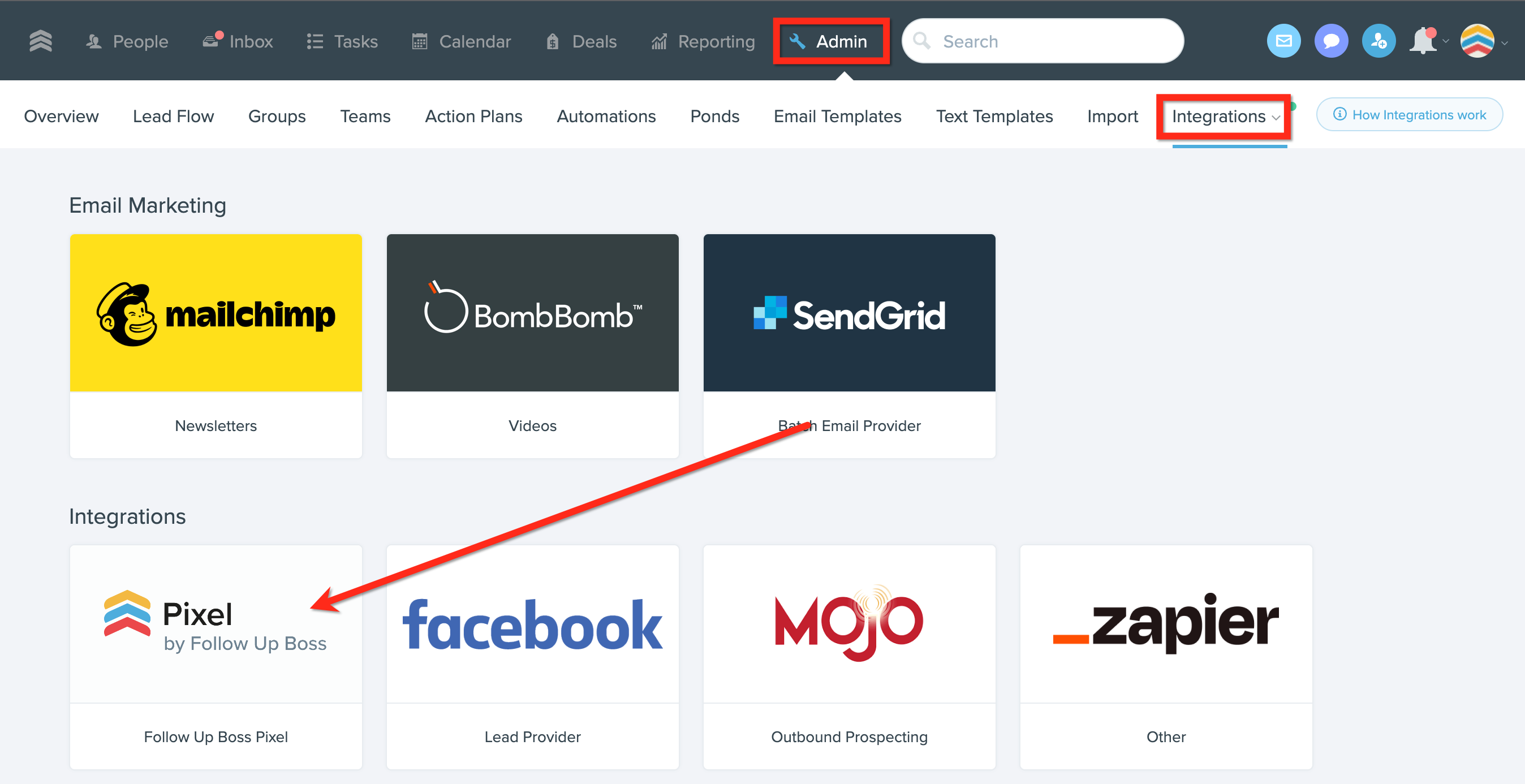
2. Install Pixel Tracking Code On Your Website (click the link for full instructions) 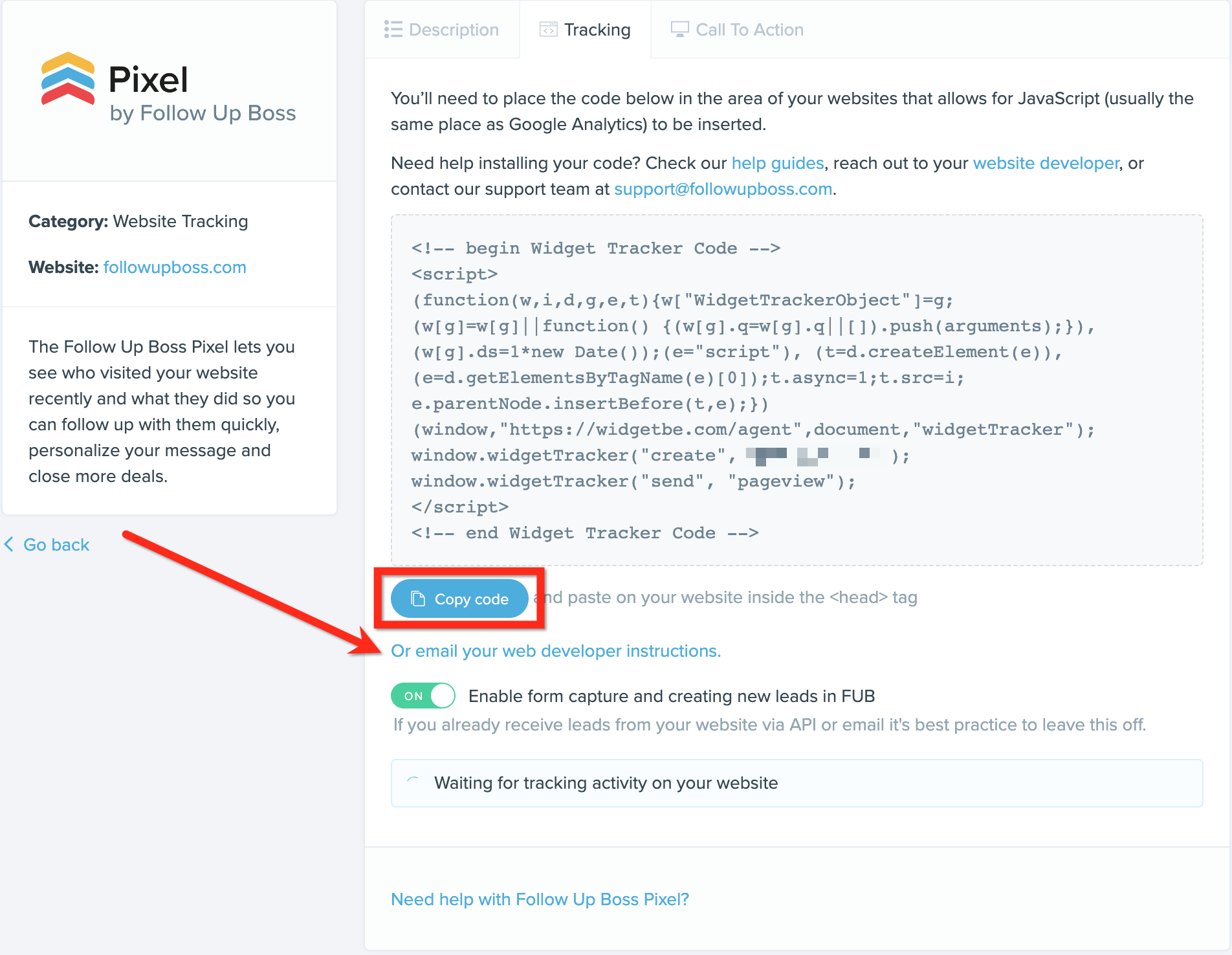
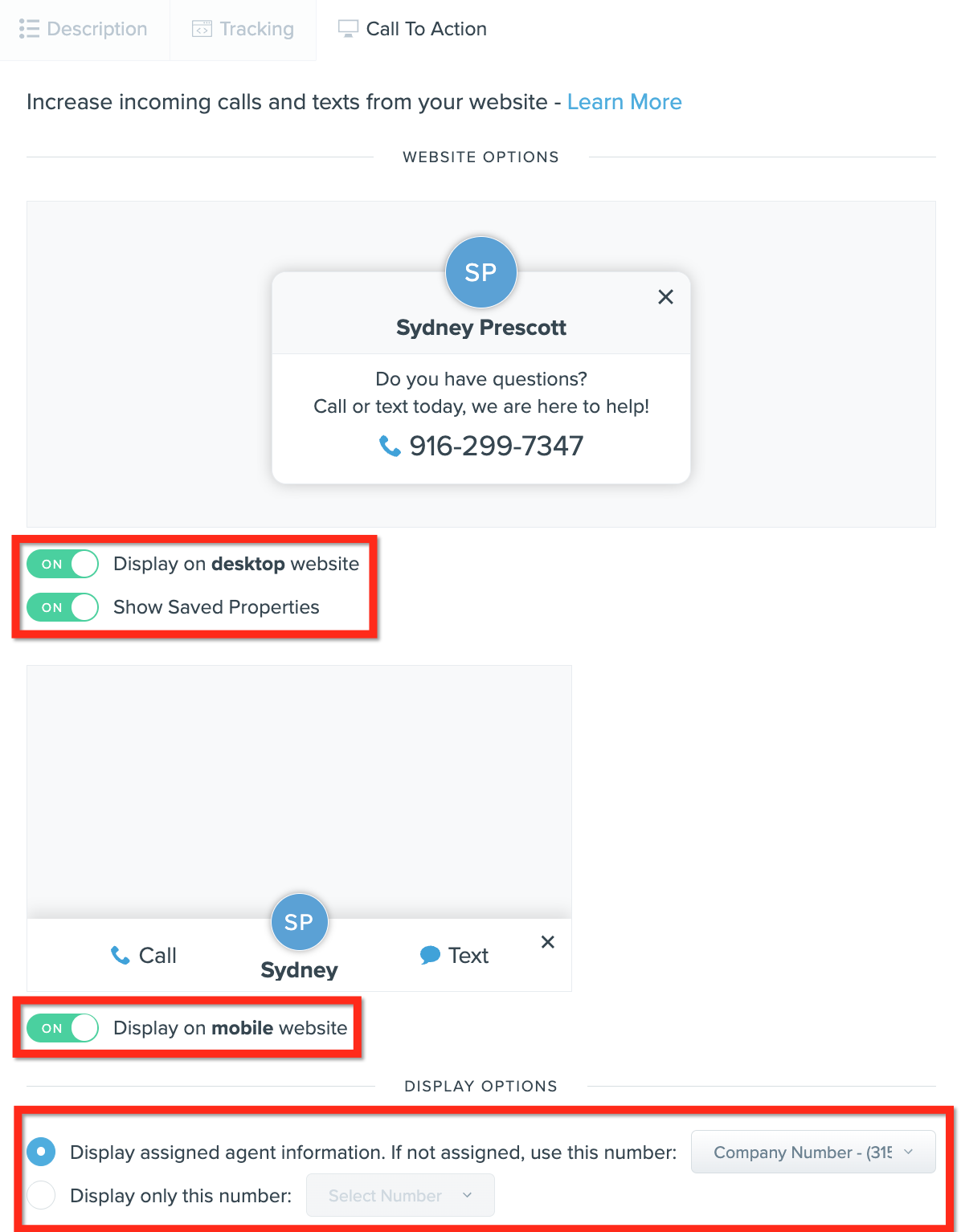
3. To get more leads to call and text you, Enable The Pixel Call to Action (CTA) Popup from the pixel settings page in Follow Up Boss. Calls and texts will go straight to your Team Inbox or to the assigned agent.
Note: The pixel will start tracking the activity of new leads who register on your website. If you want to track the activity of existing leads in your Follow Up Boss database, send batch emails with links to your website. If someone clicks on that link, it will trigger Follow Up Boss to start tracking that contact's activity.
Pixel features
Pixel Call To Action
Pixel Form Capture
Pixel Install Instructions
Website Activity
FAQ
How does the Follow Up Boss Pixel work?
The pixel is a small snippet of code that is added to the header of your website pages. Once in place, Follow Up Boss will pull in leads who register and link their activity to their lead profile in Follow Up Boss.
When does tracking start?
In order for Follow Up Boss to track activity, the contact must either submit a form on your website that captures their email address or click a direct link to your website from an email sent to them from Follow Up Boss. Once that happens, we can match them in Follow Up Boss (this works for existing FUB leads only) and show their website activity on the lead profile. The longer the pixel is installed, the more people will be tracked. Keep in mind that social registrations like Facebook and Google happen offsite, so those registrations cannot currently be tracked by the pixel.
Do agents have access to the Pixel code?
Agents will need to reach out to an admin on their account to obtain the Pixel code. There is one Pixel code per team account.
Where does Website Activity show?
You'll see detailed activity on each lead profile in addition to being able to see who's online now and filter by activity on the People Screen. Check out our Overview of Website Activity for more information.
Can I use link shorteners?
Link shorteners will remove the Pixel from the link. We recommend
hyperlinking your direct website URL.
Can I install the FUB Pixel on more than one website?
Yes, the FUB Pixel can be installed on multiple websites.
Can I track website visits from third-party emails?
Yes! To track website visits from third-party emails, just add ?email=EMAILADDRESS to the end of any link.
Note: EMAILADDRESS will need to be replaced with your email program's email address token (custom field for the contact email address).
When the email is sent and a contact clicks on the link, the Pixel will identify who that contact is based on their email, and then track all their website activity in Follow Up Boss. If a person with the link’s email address doesn’t exist in Follow Up Boss, the Pixel does not create a new contact. The Pixel only creates a new contact when a form is submitted on your website and the option to create new leads is enabled on the Pixel’s settings page.
This tracking already happens automatically if you are using Follow Up Boss for emailing (for individual emails and also Action Plan or batch emails).
